Your trading knowledge, in one place
Folders, rich notes, and search inside your journal. Capture setup research, market themes, and psychology notes without leaving Everedge.
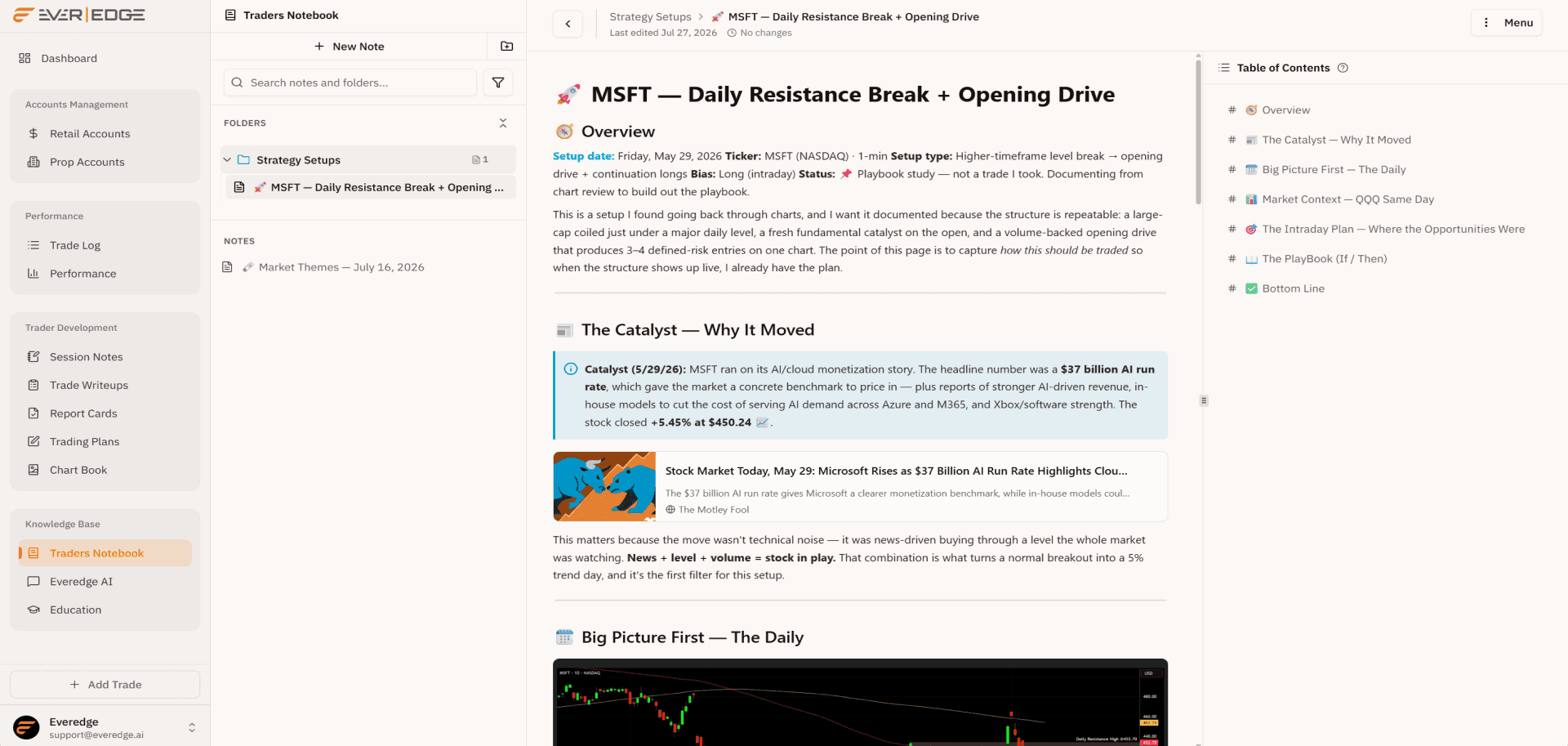
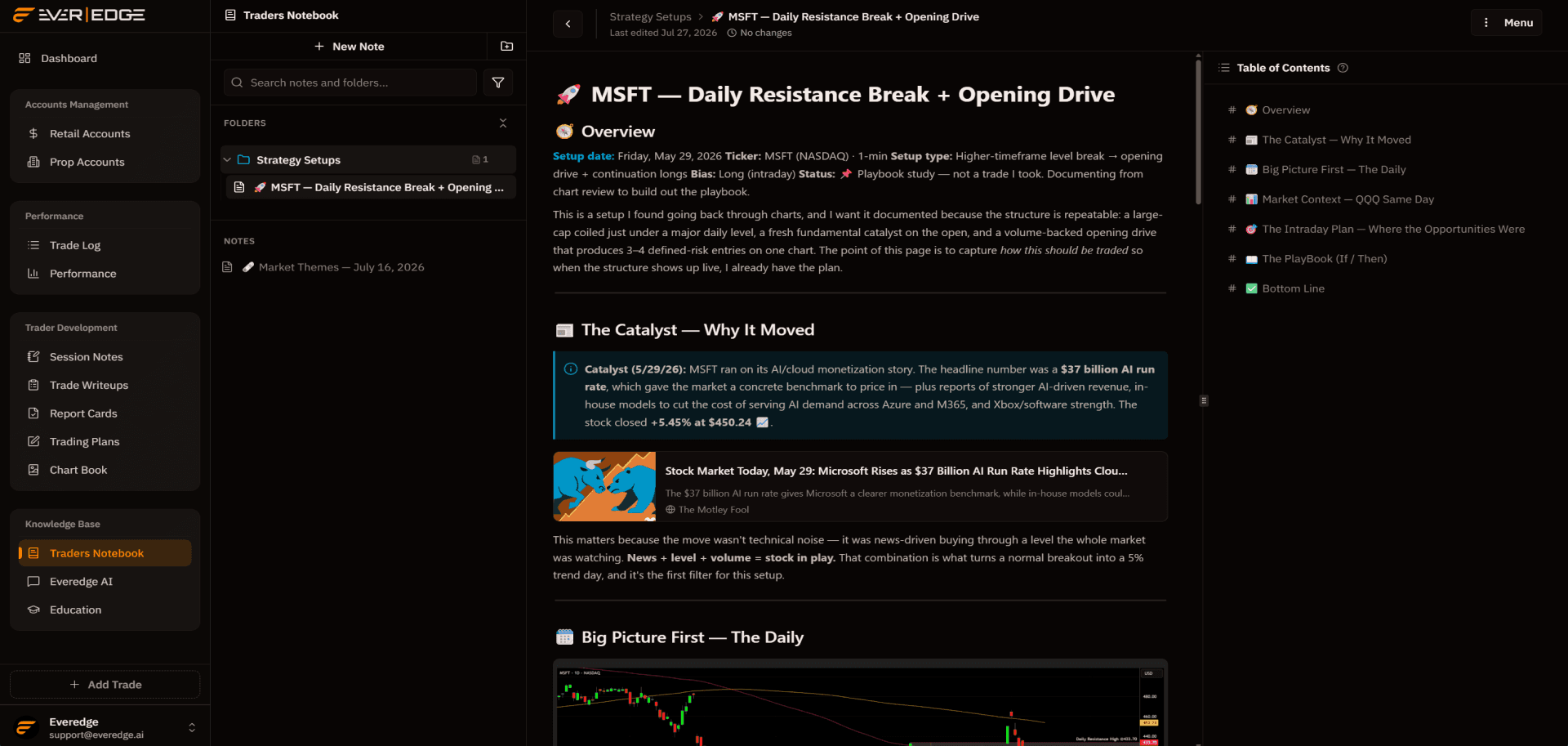
What is Trader's Notebook?
Trader's Notebook is your personal knowledge base inside Everedge. Create folders, write rich notes on anything trading-related, and keep research beside your trades and write-ups.
Write-ups cover specific sessions. Session notes capture the day. The notebook holds everything else that compounds over time.
Trader's Notebook
Build a library that compounds
Nest folders by setup, psychology, or market theme. Write in the same rich editor used across Everedge and link notes back to the rest of your journal.
Market Themes
Folder tree
Organize notes into nested folders with color coding. Strategy Setups, Psychology, Watchlists, and whatever structure fits how you think.
Table of Contents
From the H2 headings in your plan
- H2Overview
- H2Tools & Platforms
- H2Primary Objective
- H2Trading Hours
- H2Instruments
- H2Methodology
- H2Risk Management
- H2Position Sizing Philosophy
- H2Daily Routine
- H2Edge Identification Checklist
Jump by heading
The table of contents builds itself from the headings in your note, so you can jump to any section in one click.
Shareable link and PDF
Share a view-only link with a mentor or partner, or export any note to PDF for backup and sharing outside Everedge.
View-only link for mentors and partners
Generate PDF
Export the full note for backup or sharing outside Everedge.
Research scattered across apps does not compound. Notes beside your journal do.
The writing surface
Write notes like they matter
Setup studies, market themes, and psychology reflections in the same Notion-style editor used for plans, write-ups, and report cards. Tables, callouts, checklists, and slash links to anything in your journal.
The same premium editor behind your plans and write-ups, tuned for long-form research.
Select to format, or hand it to AI
Tighten a setup write-up, fix grammar, or expand a section without leaving your note.
The gap and go works best when volume confirms the break above premarket highs.
Every note connects
Link playbooks, write-ups, and session notes. Your research stays tied to the trades it supports.
📄 Breakout Research
8 linked docs
Embed any document
Slash-insert a live link to a playbook, chart book, or trade write-up right inside your note.
Connect AI to your notebook
Use MCP to draft and update notes from Claude or Cursor, without leaving your workflow.


Notes you actually want to keep writing.
Start your notebook
Create folders, write your first setup study, and keep trading knowledge where you already journal and review.